A Practical Guide to CI/CD: The Five Essential Stages
3/10/2025 · Dotsinc Team
Modern engineering teams rely on continuous integration and continuous delivery (CI/CD) to ship software quickly without sacrificing reliability. A good pipeline makes deployments boring: predictable, observable, and reversible.
Below is a simple visual representation of a typical CI/CD pipeline used in many production environments:
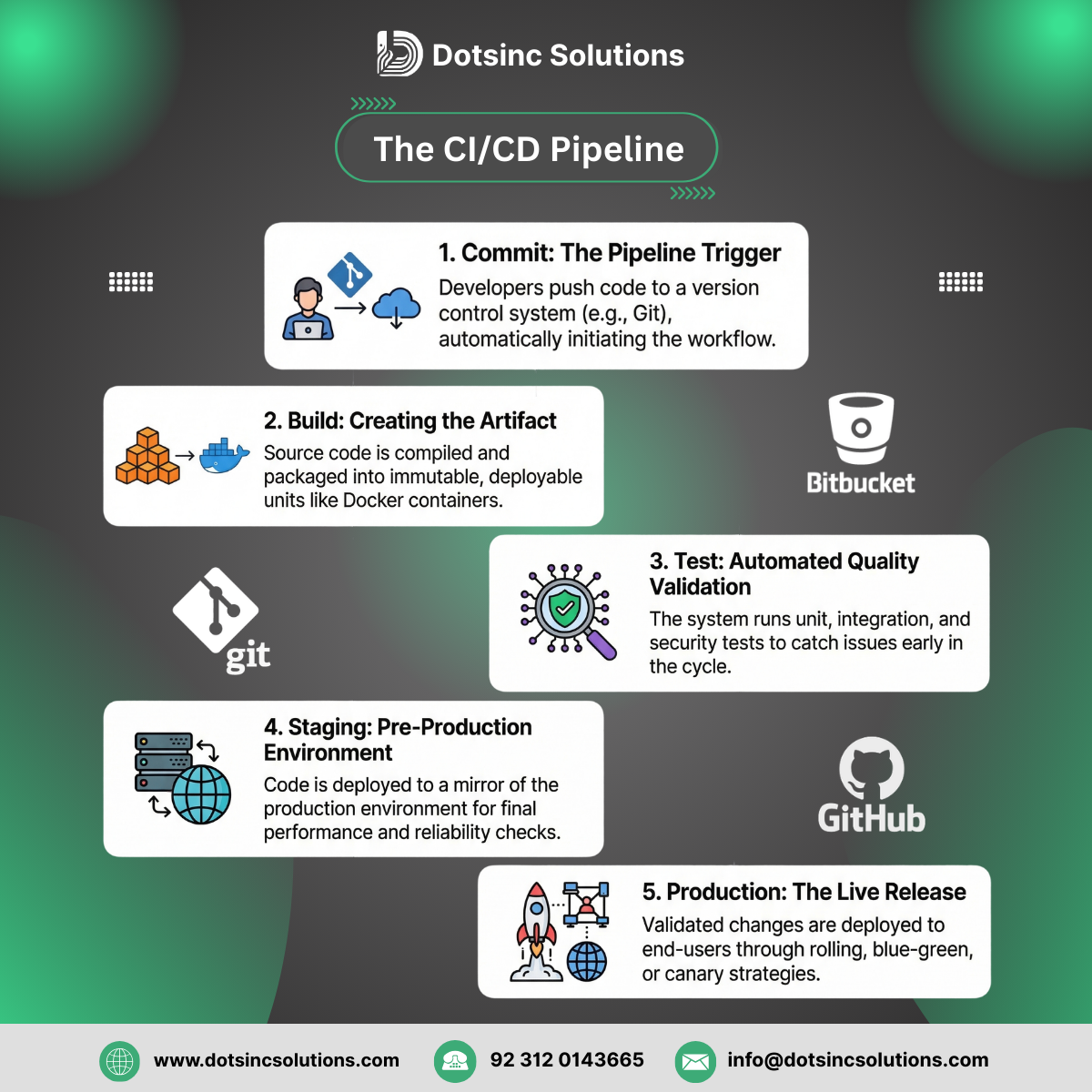
While implementations differ by stack and tooling, most robust pipelines follow the same five essential stages.
1. Commit (Trigger)
The pipeline starts when a developer pushes code to version control (for example, a Git branch or a pull request). This event triggers the CI system to:
- Fetch the latest changes from the repository
- Validate that the configuration is correct
- Start an isolated run for this change set
Treating every commit as a potential release candidate keeps the main branch in a deployable state and surfaces integration problems early.
2. Build (Artifact)
Next, the CI system compiles the code and packages it into a versioned, immutable artifact—for example:
- A Docker image
- A language-specific package (JAR, wheel, npm package)
- A static build of a frontend application
The key is that the exact same artifact travels through the rest of the pipeline. You build once, then promote that artifact between environments instead of rebuilding differently for staging and production.
3. Test (Automation)
Before any change touches a shared environment, the artifact is validated through automated tests. A typical test stage layers multiple checks, such as:
- Unit tests
- Integration and API tests
- End-to-end or UI smoke tests
- Static analysis and security scans
Catching regressions at this stage is far cheaper than discovering them in staging—or worse, in production.
4. Staging (Validation)
If the automated tests pass, the pipeline promotes the artifact to a staging environment that mirrors production as closely as possible. Here teams can:
- Run performance and load tests
- Validate security controls and configurations
- Perform exploratory testing and sign‑off with stakeholders
This environment is where you validate that the system behaves correctly under realistic conditions, using the exact artifact that will be deployed to production.
5. Production (Release)
Finally, a successful staging validation leads to an automated deployment into production. Depending on your strategy (blue‑green, canary, or rolling releases), the pipeline will:
- Roll out the new version to users in a controlled way
- Monitor key metrics (errors, latency, business KPIs)
- Provide a fast, safe rollback path if something goes wrong
A mature CI/CD setup makes releases a routine operation rather than a high‑risk event. The pipeline becomes the contract for how software moves from idea to end‑user—traceable, repeatable, and observable at every step.
When you design your own pipeline, start simple, make it visible, and evolve it as your system and team grow. The goal is not just automation, but confidence every time you ship.